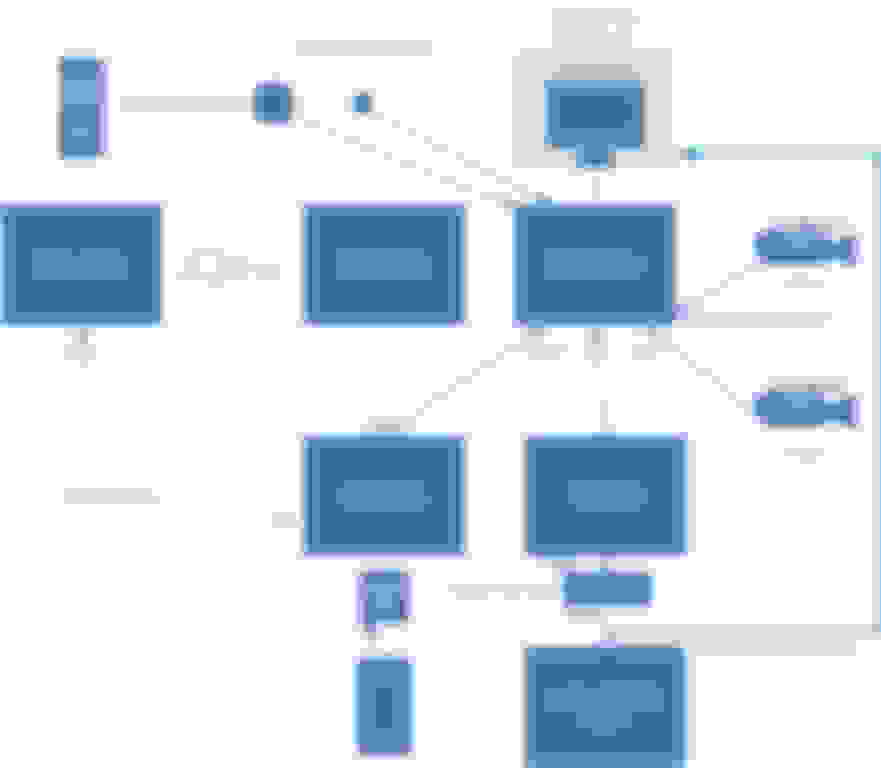
Jenninaj’s document is excellent and is what I used for the basis of my install. I really need to create a ‘modifications’ document for my build...80% or more of which is already Jenninaj’s. My install used a iCartizan Wireless Apple CarPlay box, which meant that I could use the RCA inputs directly from the cameras. I also used a different board to convert the positive sync RGBS output from the original navigation (corrected to negative sync per Jenninaj’s document) to RCA, thereby avoiding the need for a HDMI switch. I also have the touch screen enabled. Here is a link to my video:
Jenninaj’s document is excellent and is what I used for the basis of my install. I really need to create a ‘modifications’ document for my build...80% or more of which is already Jenninaj’s. My install used a iCartizan Wireless Apple CarPlay box, which meant that I could use the RCA inputs directly from the cameras. I also used a different board to convert the positive sync RGBS output from the original navigation (corrected to negative sync per Jenninaj’s document) to RCA, thereby avoiding the need for a HDMI switch. I also have the touch screen enabled. Here is a link to my video:
I was very impressed with your update and I am doing the same in my DB9 MY11. I am wondering as to how you are hooking-up to the front park distance control sensor button in order to automatically turn-on the front camera. I have been searching for a pin-out or a description as to how the switch works, but to no avail. Can you please share your hookup details or anything (Pin-out, schematic etc.) that can get help me here?
I was going to do this on my front cam install but decided to use a switch in order to control it better...
However, I did tap into a front parking sensor on one of my other vehicles and I used a 5v to 12v relay and a diode. This was wired into one of the leads on the sensor...
I was going to do this on my front cam install but decided to use a switch in order to control it better...
However, I did tap into a front parking sensor on one of my other vehicles and I used a 5v to 12v relay and a diode. This was wired into one of the leads on the sensor...
Yep -this is pretty much how it's done. You will need to buy an RCA input switcher like this one: Click Here and use a relay connected to the illumination light on the parking sensor button. Since the iCartizan unit only has one video switcher built in (for the reverse cam), I plugged output from the stock nav unit (use Jenninaj's instructions for reversing the CGA polarity and one of these to convert it to RCA :Click Here) along with the output from the front camera into the input switcher and the output from the switcher into the video input of the iCartizan.
Here is the forum post I followed for the relay: Click Here
I’m pretty sure it will work but I have a few outstand points that require testing,
- The MiraScreen outputs to bot AV & HDMI simultaneously?
o I’ll just have to test this.
- Is a sync inverter required when using the GBS8200 RGBS to VGA board?
o I can test this but if someone knows if the inverter is required or not it will save me some time & effort?
- The trigger to raise & lower the screen?
o This is the one I’m having problems with????
I want the screen to raise & to display the rear camera if the screen is in the down position when reverse is selected and then when reverse is unselected lower the screen.
Does anybody know what triggers the screen to raise & lower?
Is it from the MOST or just some sort of up – down relay/switch?
Quote: I want the screen to raise & to display the rear camera if the screen is in the down position when reverse is selected and then when reverse is unselected lower the screen.
Does anybody know what triggers the screen to raise & lower?
Is it from the MOST or just some sort of up – down relay/switch?
The signal to raise the screen comes from the MOST bus to the navigation computer. From there it's a 2400 baud serial link to the display to control the screen position, video source, and screen brightness. The protocol is exactly the same as the volvo raising screen units. There is arduino code out there to control the screen that I adapted to bench test mine while I was building it. https://github.com/laurynas/volvo
I've had a closer look and it doesn't appear to be that difficult, I've ordered myself an Elegoo Arduino kit, just a few of questions if you would be so kind to answer,
From reading the Arduino scripts it looks like the 3 bytes are constantly sent to to the screen a constant 0x83, the display mode and the brightness level at an interval of 100ms.
To get the screen to go up I can use 0x83 and any of the display modes apart from 0x46 (off) together with any of the brightness levels as I won't be using the factory display?
To get the screen to go down I just need to change the display mode to 0x46 (off)?
At the most simple level that's all there is to it. You can make it as complicated as you need and listen to signals from whatever you want to control the screen. It has an RGBS and composite AV input that you can switch between even. I put another micro in the display to listen to the brightness codes on the data line in order to control the new screen's backlight too. The downside is I had to keep the factory nav computer installed rather than looping it out. One of these days I'll look into reading the interior illumination brightness from the CAN bus instead. Ultimately I ended up reverting my whole setup back to stock anyway since I wasn't happy with the brightness and contrast of the AT065TN14 screen. To me the car is much more fun to drive than it is to continuously fiddle with a cobbled together nav system.
The plan is to build it all out on the desk to start with using a used screen mechanism.
Now that I've had a look at Arduino I'm pretty sure I can come up with a solution, whilst retaining the factory look. I'm thinking I can control the screen input, rising & lowering all from one of button pads below or something similar, if I route all the controls via the Arduino.
I don't use the current Sat Nav as its rubbish so having a useable Sat Nav & reversing camera would be nice.
I'll assess the AT065TN14 screen & swap it out for another one if necessary.
Rear view mirror with the video screen is a great upgrade. Very easy to do, reversible, and you don't have to fool with the old location, view angle and mechanism of the screen... it also places the screen closer for your view...besides who likes to spoil the lines of the dash and view of an ugly pop up screen...
I've seen those but, it's more about the sat nav and not having to look down at a phone to see the maps.
Just gathering all the elements at the moment to build it on the bench, the latest thought is to utilise the iO TALK1 Bluetooth Car Kit already installed a long time ago or the sound thus not having to select any type of AUX (need to have a think about it).
Having to wait for some of the parts to come from China so it will be middle of next month before I get going in earnest.
Hi guys... Been a while since I updated on my Q-Branch Raspberry Pi infotainment install...
I just dropped two videos that I actually took back in August, but just now got around to uploading.
In video II I show the bench install of the system in the screen enclosure and a bit about how the software is working. Note that I've switched to wireless carplay and a wired backup camera setup.
In video III, I show the install in the car, where I've tapped the fuse box and the aux audio, where I've located the various different pieces, and a bit of how the system looks in the car.
The only thing left to do for my initial plan is mount the backup camera and possibly install a ThinkDiag box for onboard diagnostics.
I still feel like having a touch screen is the way to go even if you have to lean up to reach it. I just feel like it's a lot safer than trying to use some sort of touch pad to guide a cursor while you're driving. With the angle of the screen, I mostly end up placing my hand on the top and using my thumb to do the touching, but all in all it's easy and it works very well. I'm loving it.
I've been living with it for several months now, and I have to say that I'm really liking it. Having Waze, Music, Podcasts, and all of the CarPlay is awesome. The boot up time is a bit long, but it's mostly nothing that bothers me. It does mean that the backup camera isn't instantly available, but if I decide that is a real issue, then I figure I can wire up a HDMI switcher at some point in the future since the screen currently has an HDMI input, or I can switch back to the driver board for the LCD with the composite input and just switch inputs to get to the cam. But for now I'm very, very happy with how it's all turned out.
Jenninaj’s document is excellent and is what I used for the basis of my install. I really need to create a ‘modifications’ document for my build...80% or more of which is already Jenninaj’s. My install used a iCartizan Wireless Apple CarPlay box, which meant that I could use the RCA inputs directly from the cameras. I also used a different board to convert the positive sync RGBS output from the original navigation (corrected to negative sync per Jenninaj’s document) to RCA, thereby avoiding the need for a HDMI switch. I also have the touch screen enabled. Here is a link to my video:
Hey Awdition would be great to know how you got the touch screen to work with the CP2-11. Which touchscreen did you buy is it the one Jenninaj’s mentions? Also was wondering how you toggle between original navigation / reverse cam and carplay / how the CP2-11 determines which feed to show! Cheers
Apple CarPlay Unit, Screen Choice, and IR (given touchscreen)
Thank you and JenninaJ for the wise advice. Would you mind sharing which iCartizan Wireless Apple CarPlay you chose? Also, did you use the same screen choice as JenninaJ specified? Lastly, if using just the touchscreen, is there a need to move the IR? Cheers.