When you click on links to various merchants on this site and make a purchase, this can result in this site earning a commission. Affiliate programs and affiliations include, but are not limited to, the eBay Partner Network.
Works if you don't have a camera there already (auto high light system). The picture showing the camera showing the front of the car on the head unit is misleading IMHO. I personally doubt this camera taps in the fiber optic loom. Clue of that is the compatibility with all years.
Works if you don't have a camera there already (auto high light system). The picture showing the camera showing the front of the car on the head unit is misleading IMHO. I personally doubt this camera taps in the fiber optic loom. Clue of that is the compatibility with all years.
I couldn't find any information about this company other than it sells on Amazon. Actually it is the first enclosure that looks like it is part of the car. If the design isn't patented the others should jump on it.
I think I'd pass on it. While it is a great enclosure, who knows how well it operates and what kind of support you can get with no company contact. Has to be a Chinese product just being dumped here. with no support.
The item is from Car rover, and it's a Chinese company, well that's where it came from.
I bought mine on ebay.
As for the unit, it looks nice, has a wiring harness and looks really easy to install. From the reedit link, it looks very factory and hidden.
I haven't had time with all this rain here in California, also wanted to install my Nav-Tv so I can use the front camera input for the dash cam.
I'll update when I do get it installed.
edit: I'll take pictures of the unit I got and will update the post. Probably in a day or two.
Last edited by weespeed; Feb 16, 2017 at 07:38 PM.
The item is from Car rover, and it's a Chinese company, well that's where it came from.
I bought mine on ebay.
As for the unit, it looks nice, has a wiring harness and looks really easy to install. From the reedit link, it looks very factory and hidden.
I haven't had time with all this rain here in California, also wanted to install my Nav-Tv so I can use the front camera input for the dash cam.
I'll update when I do get it installed.
edit: I'll take pictures of the unit I got and will update the post. Probably in a day or two.
Hey Weespeed~
install my Nav-Tv so I can use the front camera input for the dash cam.
Are you referring to the PCM3.1 XG-CAM? I did not see that the the Car Rover camera had a "video out"- although it mentions WiFi. How will you connect the Car Rover to NavTV? I am very excited to hear about your results as this is exactly what I want to do as well.
BTW- which camera will you use in the back- the Camera 6 from NAV TV?
Last edited by 57bradford; Feb 17, 2017 at 09:08 AM.
57bradford, I bought the PCM3.1 XG-CAM. The camera harness has an rca out.
It does have wifi and you need to download their app. But I don't trust apps that are not in any appstore, that's why I opted for the PCM3.1 XG-CAM.
I have a license plate camera that attaches to license plate mounting. I didn't want to drill into my 991, figure if I don't like the set up I can just un bolt everything and go back to my Pearl backup camera.
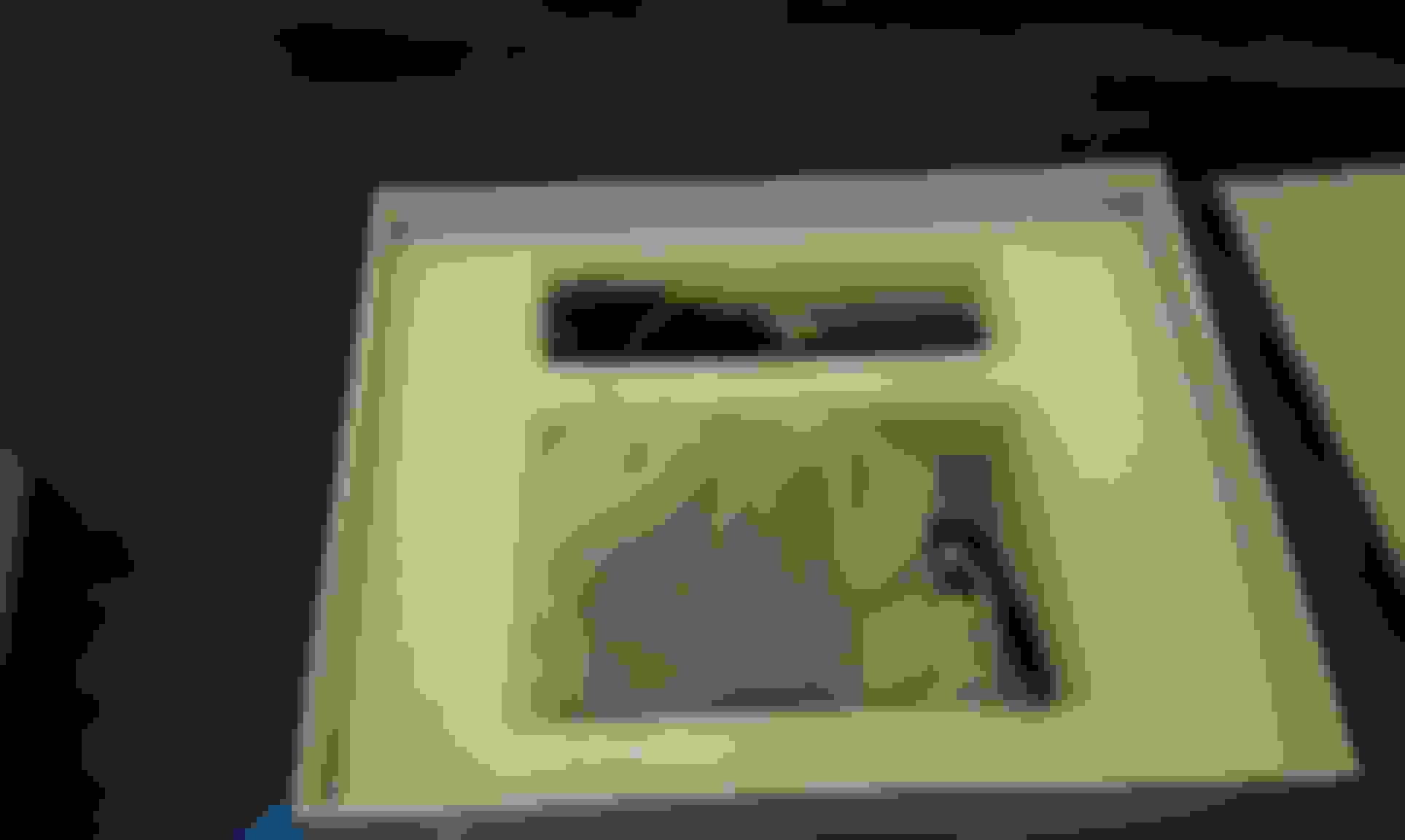
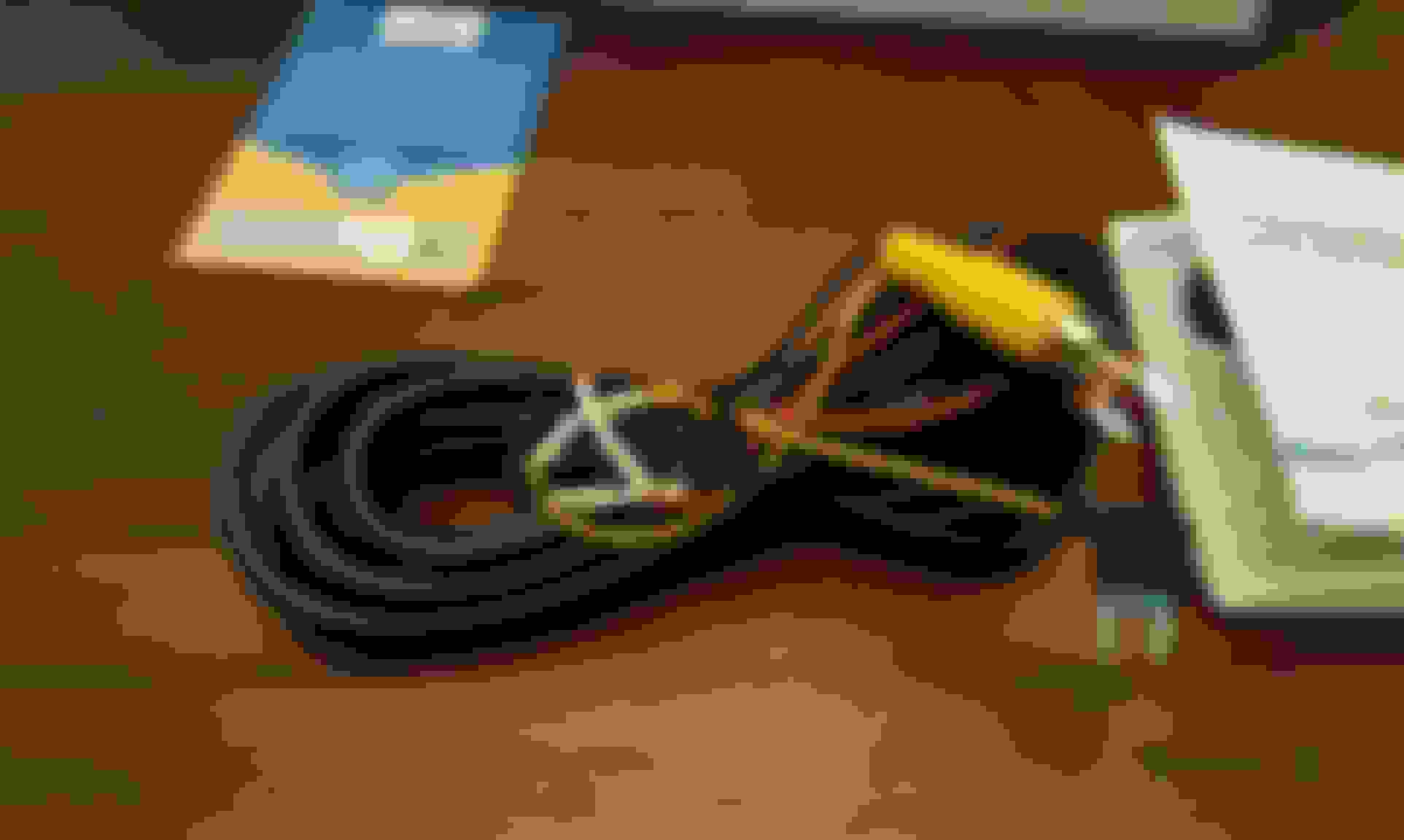
Here are the pictures of the unit and the instructions. Sorry about it being so dark. It's raining and dark out here in California and my Living room lights are dim.
I did the think-ware F770 camera. Front and rear (inside) and it seems to be working very well for the last 3 months. Mounted just to the upper right of the rear view mirror. As discrete as they probably get.
Software works pretty good, although it nags you endlessly about reformatting card. I ended up turning down the alert volume and that worked well.
I did a NAVTV for backup, which I like. I also installed a front camera below the bumper for forward use but since it isn't connected to a DVR it is more or less useless. I finally yanked it out as I didn't see a point.
Hey Weespeed~
install my Nav-Tv so I can use the front camera input for the dash cam.
Are you referring to the PCM3.1 XG-CAM? I did not see that the the Car Rover camera had a "video out"- although it mentions WiFi. How will you connect the Car Rover to NavTV? I am very excited to hear about your results as this is exactly what I want to do as well.
BTW- which camera will you use in the back- the Camera 6 from NAV TV?
I think there are drastically different use cases. A Dash cam (with or without a rear facing camera as well) is for recording. .Great for helping out with incidents. Also note you need something high res so you can catch plates so anything less than 1080P falls short.
I also installed a NAV TV PCM3.1 (there are various versions) with a rear sony camera that works well. But this is really a real time backup cam. I also installed a front camera input for the PCM3.1 but yanked it out. Again it is a real time cam. I thought it might help with parking and curbs but it was kind of a waste. Don't get me wrong I love the backup but it is really for backup live viewing which is a different use case. Doesn't really need to be HD either as the PCM3.1 is just an NTSC composite input.
Hey Weespeed~
install my Nav-Tv so I can use the front camera input for the dash cam.
Are you referring to the PCM3.1 XG-CAM? I did not see that the the Car Rover camera had a "video out"- although it mentions WiFi. How will you connect the Car Rover to NavTV? I am very excited to hear about your results as this is exactly what I want to do as well.
BTW- which camera will you use in the back- the Camera 6 from NAV TV?
Are you recording the Front input to the PCM3.1 to a DVR of some sort. I have that input as well as the rear cam but it is really a live viewing aid. A Dash cam is intended generally for recording of traffic, incidents for later use.
Also dash cams are almost useless as a protection if they are less than 1080P since less than that is difficult to resolve license plates.






 NAV TV + Car Rover interface