When you click on links to various merchants on this site and make a purchase, this can result in this site earning a commission. Affiliate programs and affiliations include, but are not limited to, the eBay Partner Network.
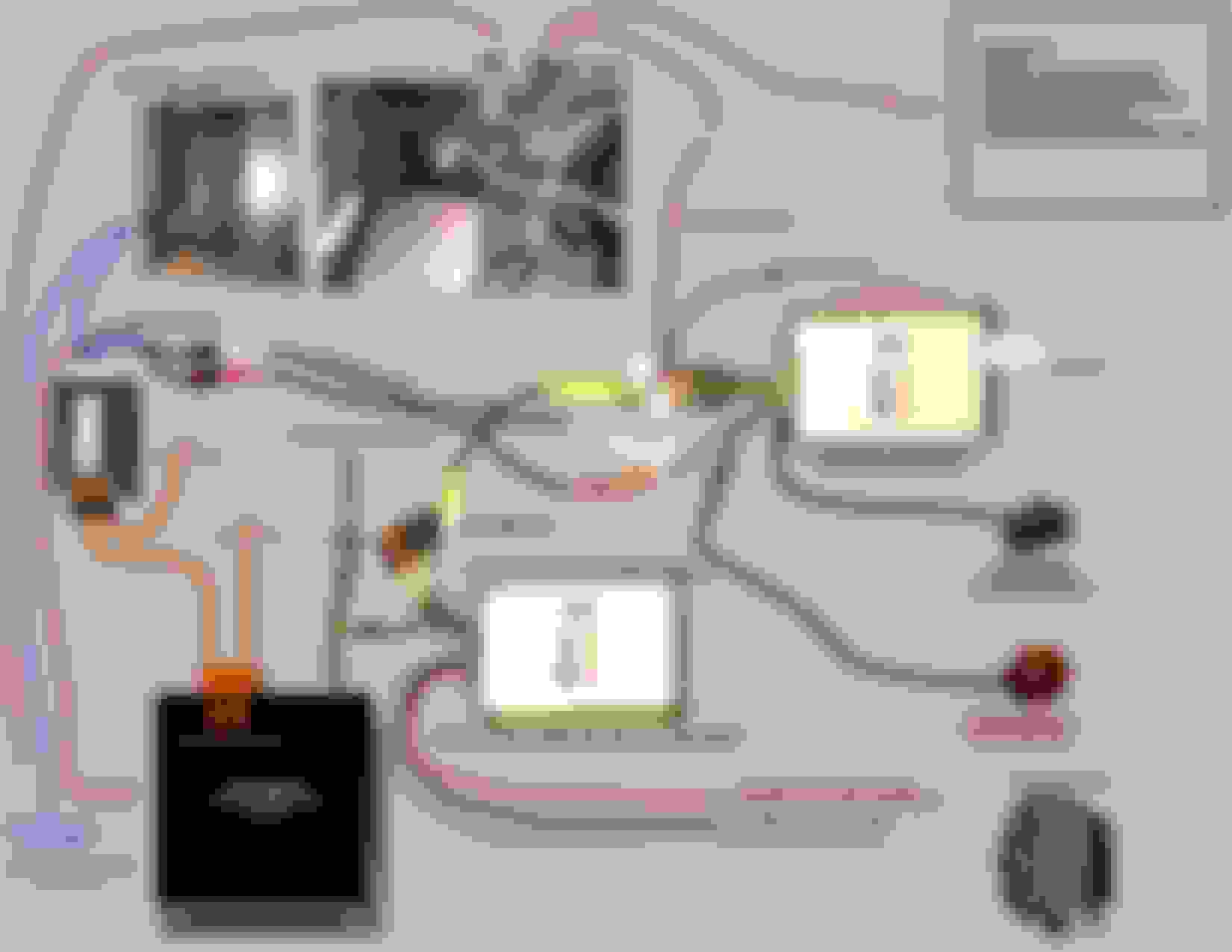
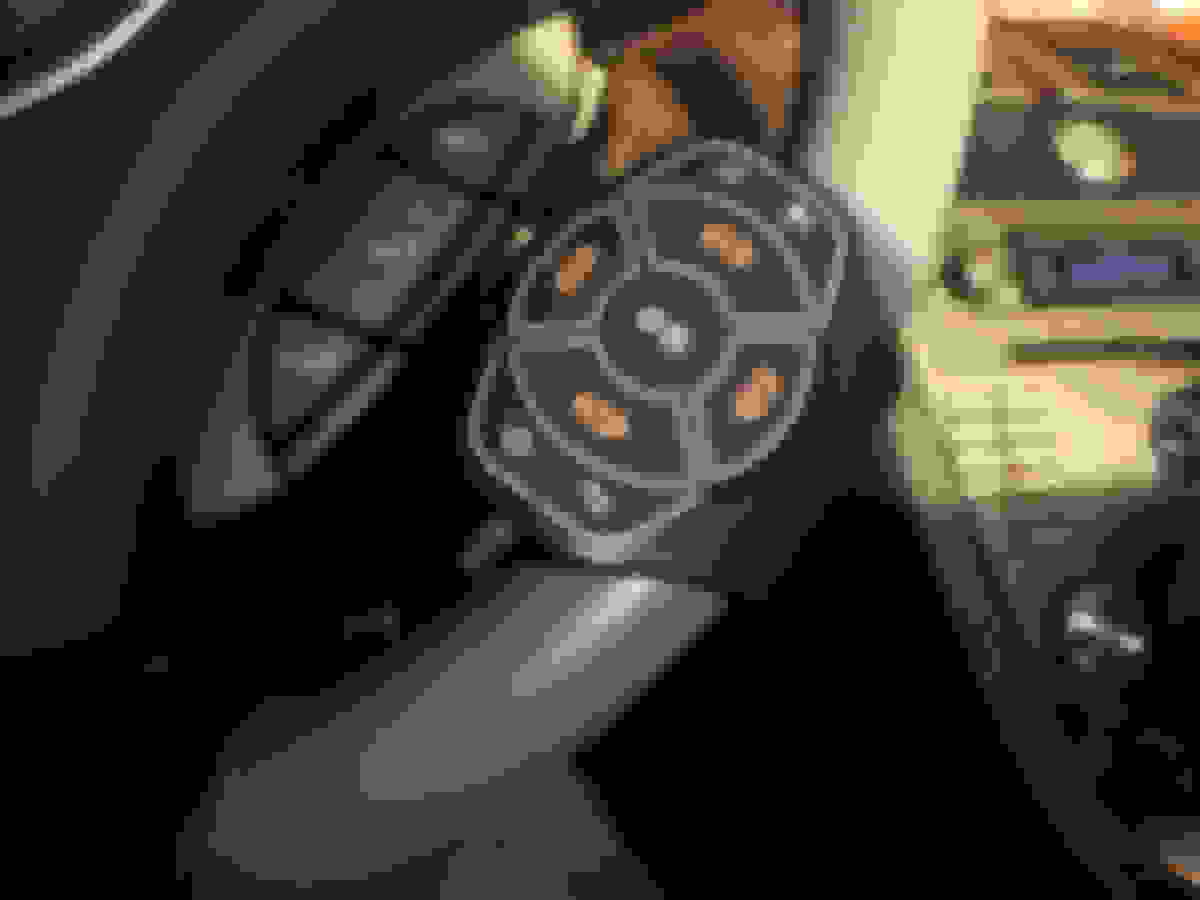
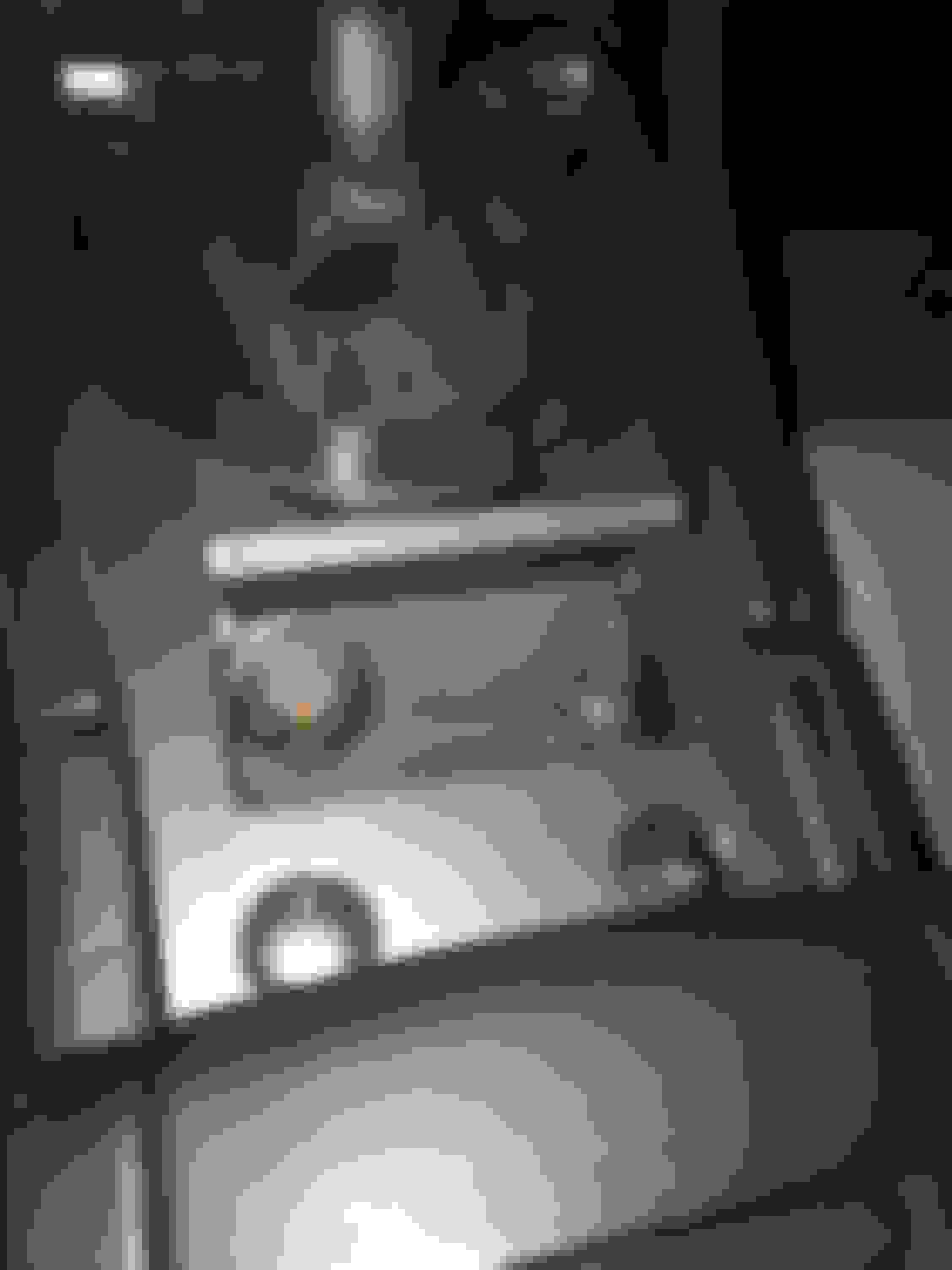
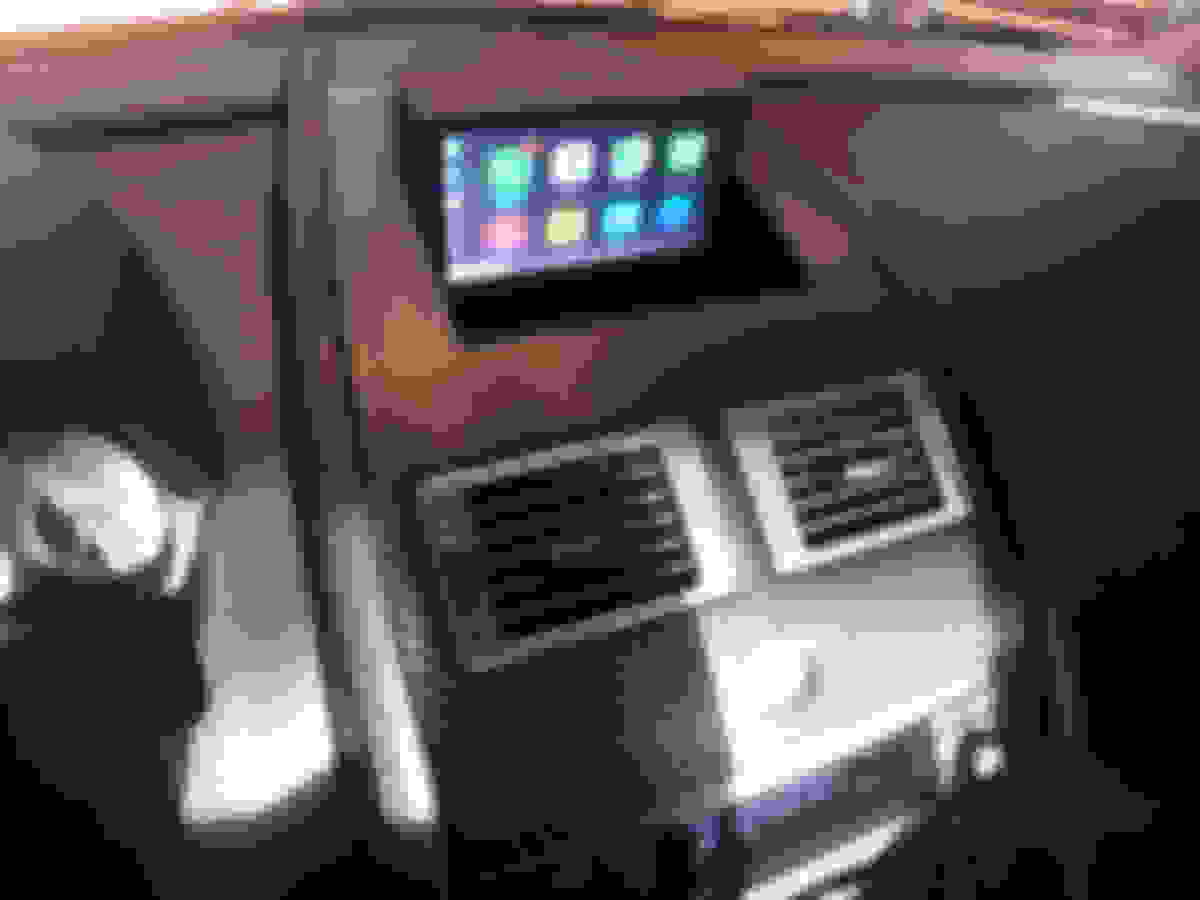
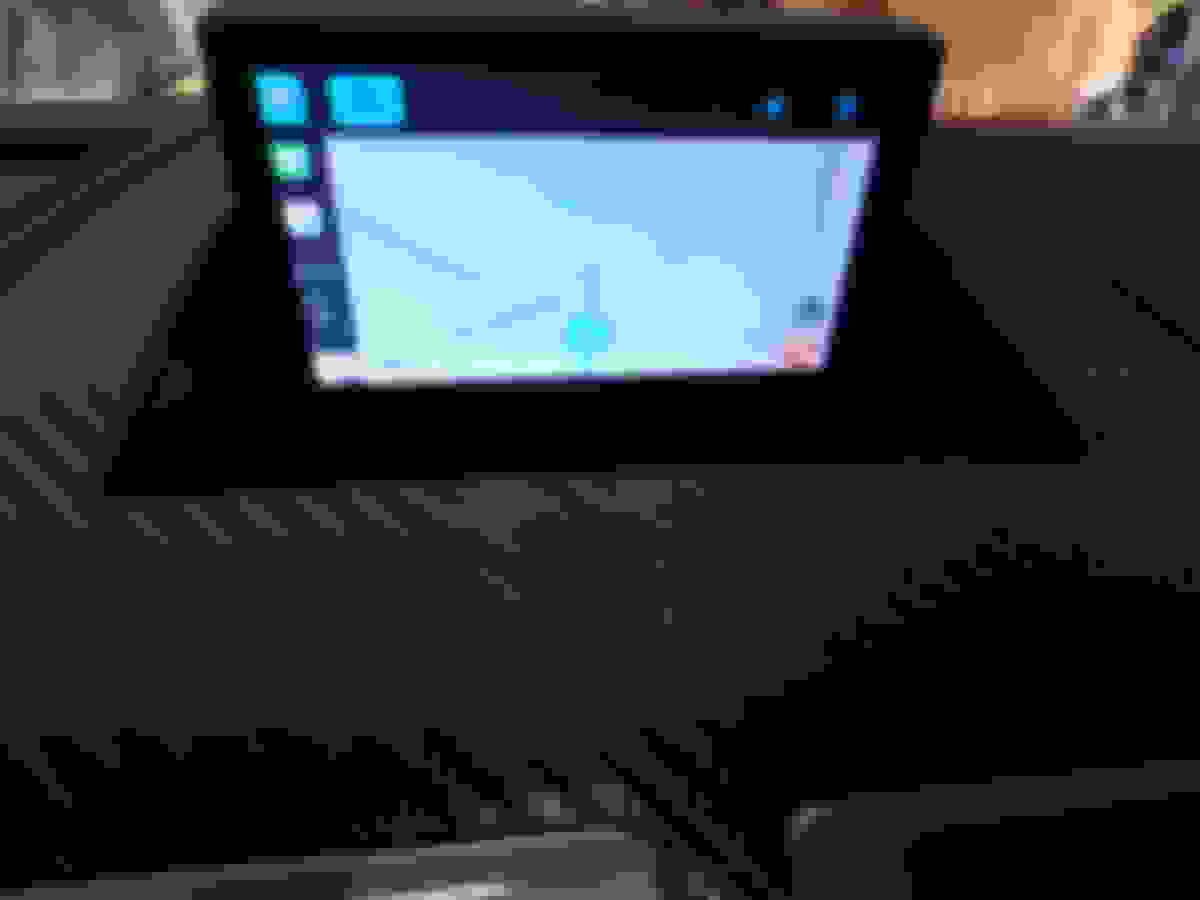
Hello All V8 Vantage owners. I am new to this forum so please be patient and understanding. I recently decided that I wanted Apple CarPlay in my 2008 V8 Vantage and have finally installed it and it is working great. Since I spent so much time working out how to integrate Apple CarPlay into a 2008 car without an AUX port, I thought I would share how I did it for those that might want to tackle the project as well. This can be done at home with minimal tools and skill. Please see the attached photos and links to the products that I used. Hope this inspires others to upgrade and note that this is an "at your own risk system upgrade as you will need to tap into the MOST fiber optic network for the sound to work. If you are nervous about doing it yourself, please consult a professional installer. The two products I used are from:
NavTool and NavTv. Here are the links:
http://navtv.com/products/NTV-KIT143/most-aux-for-aston.html]NavTv Aston Martin MOSTLY
NavTv Aston Martin Vantage MOST -AUX
https://www.navtool.com/aston-martin-vantage-2006-2011-apple-carplay.aspx]Aston Martin NavTool
NavTool Aston Martin Vantage Apple Car Play
Good luck - Dave
Last edited by GT3 Chuck; Jan 3, 2019 at 05:39 PM.
Reason: Links updated
So you still need iPhone or is this stand alone? How is resolution on our nav screen...
seems like parts alone are about $1000 or so? How many hours did it take to install?
Yes, you still need an iPhone and you are correct, the parts are about $900.00 excluding the switches for about another $20 and wiring for $15. I completed it all in about 5 hours, the part that took the longest is taking out all the trunk carpet and center console so that I could run the wires from the trunk NAV to the console switches. The resolution is acceptable but by no means HD. I have been looking at an option for a NAV screen update. Siri works perfectly and you can dictate txt messages, ask directions in WAZE and all Apple CarPlay functions work perfectly. The reason I installed the switch in the cigarette lighter area is so that I can instantly switch back to all factory functions and sound. Hope that helps. There are some excellent videos on YouTube to help with the console removal.
I just wanted to say thank you for sharing your wiring chart - the only thing that was holding me up with getting my navtool with carplay working on my Z4. All the directions (one could find) say to connect the switch to ground but in fact it needs to see 12v+ on one side and use the ground wire coming out of the other. At least on the Z4, I also combine a GROM Audio interconnect, which allows me to keep the aux cords out of the mix.