When you click on links to various merchants on this site and make a purchase, this can result in this site earning a commission. Affiliate programs and affiliations include, but are not limited to, the eBay Partner Network.
I'd like to setup a dashcam in my Cayenne; hoping to get some opinions, experiences and advice from anyone who has one installed. I saw many front/rear setups, front is my primary focus. I would dread having to run more cables into the rear hatch if I could (I did the review camera aftermarket and it was a PITA to get wires routed back there!)
I'd like something small and discrete, something mounted just in-front of the rearview mirror or high up the windshield so it's out of view. Video quality is important as well as the type of media (most appear to be MicroSD which is what I'd like to use)..
I have no problem with the wiring, that's the easy part. Just trying to get some personal experiences from people who have them installed and what they think of their units/etc.. I'd love to see pics of where you have it installed so I can get an idea how it will look as well.
Sounds like you just described the Blackvue DR650W 2 ch system. Mine works great and is very discrete. Can be hard wired or use the 12v under dash plug.
Also small, discrete and works amazing.. Its about 1 year old and I had it on my Lexus before.. Never an issue.. Same camera model is on my wife's Mercedes and also no issues.
Thanks for the recommendation! For $80 it was a worthwhile shot, I just got mine last week and hooked it up. Install as you mentioned install was easy and thankfully the cable also fit in the factory cover alongside the other cables.
The instructions were all in Chinese, so I ended up having to contact the seller and they sent me an English version. The app wasn't downloadable through GooglePlay so I had to use the QR code in the manual they sent to get it installed. It took a little while to figure out how to get it working (first have to install the App, then connect WiFi to the CYHY network on the camera). At first I'd keep getting a message saying "Device unconnected" or something like that, it took a couple minutes for the app to see the camera. Eventually it connected and I was able to configure the camera/test camera playback/download videos.
Overall I'm very happy, it maintains a clean/stock look and for what I need it takes pretty good video.
I mounted a Mobius under the rearview mirror housing, it's pretty discrete with excellent image quality. It worked so well I mounted a second one to the back.
sounds like you just described the blackvue dr650w 2 ch system. Mine works great and is very discrete. Can be hard wired or use the 12v under dash plug.
Thanks for the recommendation! For $80 it was a worthwhile shot, I just got mine last week and hooked it up. Install as you mentioned install was easy and thankfully the cable also fit in the factory cover alongside the other cables.
The instructions were all in Chinese, so I ended up having to contact the seller and they sent me an English version. The app wasn't downloadable through GooglePlay so I had to use the QR code in the manual they sent to get it installed. It took a little while to figure out how to get it working (first have to install the App, then connect WiFi to the CYHY network on the camera). At first I'd keep getting a message saying "Device unconnected" or something like that, it took a couple minutes for the app to see the camera. Eventually it connected and I was able to configure the camera/test camera playback/download videos.
Overall I'm very happy, it maintains a clean/stock look and for what I need it takes pretty good video.
-Richie
how easy was it to run the wiring? does the camera get hot?
I have this one. Despite the feedback I saw, I find it very very good. I used FinalCam app on my iPhone. It works great. The best thing I like is all wires are concealed.
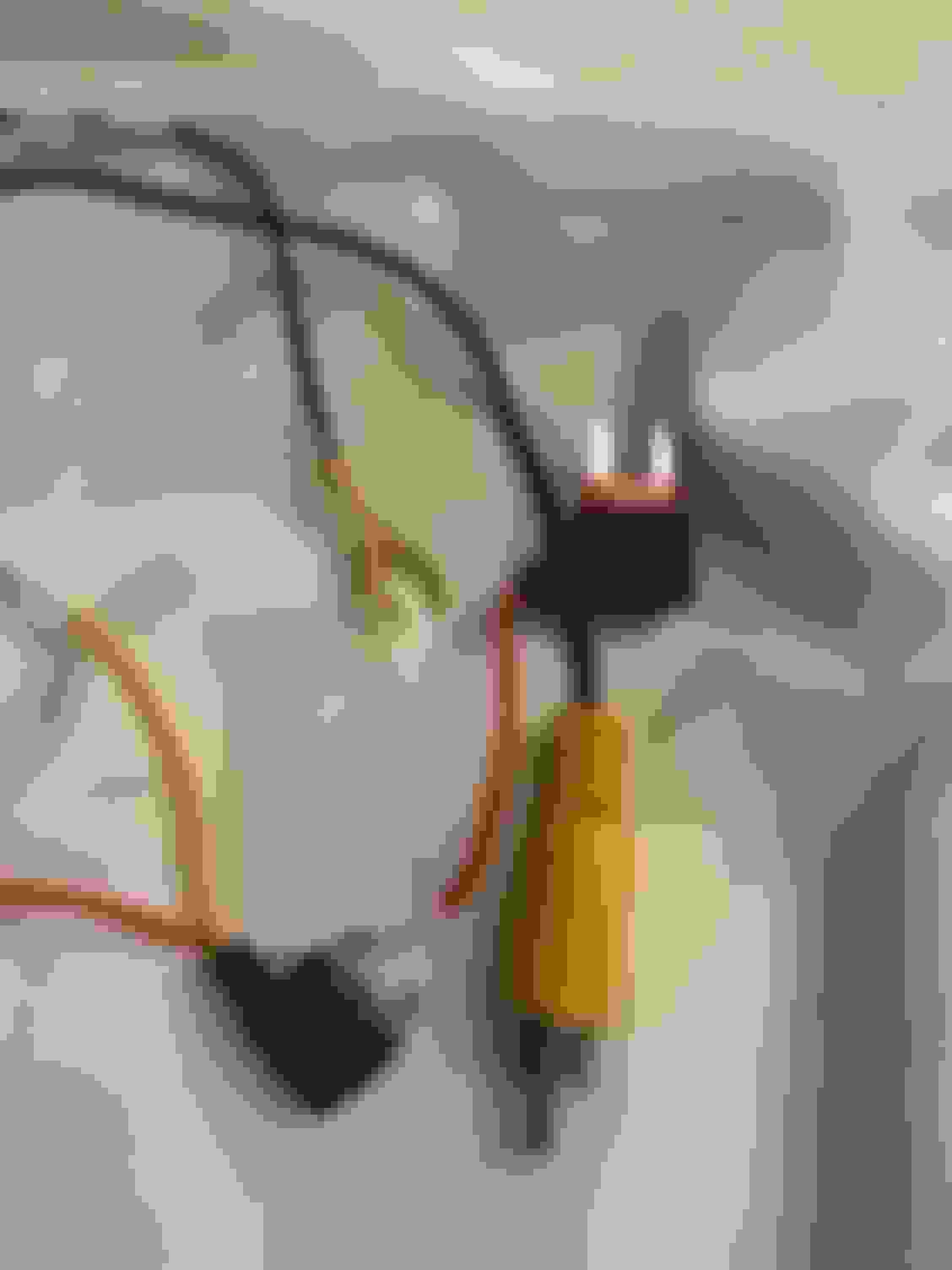
I also got this one, but I'm trying to figure out which fuse to use and if I need an add a fuse or not. If I do, what size do I need (regular, mini, low profile...)? There are 3 wires, a red one that says aaCC, a yellow one that says B+, and a ground. Where do I plug in the red and yellow wire? It also has a video output cable that I don't know where to plug into.
I have a 2017 Cayenne e hybrid. Appreciate your help!
I have this one. Despite the feedback I saw, I find it very very good. I used FinalCam app on my iPhone. It works great. The best thing I like is all wires are concealed.
I also got this dash cam, but I don't know where to plug in the witness I'm m not sure which fuse slots I need. The dash cam came with a kit, I don't know if I still need to get "add-a-fuse" or not since I see there are some petty slots on the driver site fuse box. Can you please tell me if I need "add a fuse", if so, what is the size (regular, mini...) and how many? It also has th video output cable, li don't know where to plug it in!
Any help would be appreciated.
Originally Posted by atwong1
a
I have this one. Despite the feedback I saw, I find it very very good. I used FinalCam app on my iPhone. It works great. The best thing I like is all wires are concealed.
Please help with the the cables, which fuse do I plug them into? Do I need add-a-fuse? I have 2017 Cayenne e hybrid.
Be careful when you pop the A-pillar. Unscrew first and careful not to break the plastic hook near the top.
For fuses, just plug them in any empty slots on the drivers side. The yellow wire is always on. Use a voltmeter to find an open slot that has 12V power even when you have locked the car, and plug it in.
The red one is for accessories. Use voltmeter to find an open slot that has only like 1V when car is off, and 12V when car is on, and plug it in. For the ground, just find a good ground using your voltmeter as a continuity tester, usually an existing screw or bolt, and put the fork under the screw and tighten. The RCA is analog video. If you have a analog to digital adapter, you can use it to feed the video to your PCM. I don't and I just use wireless.
And when you format the microSD in a computer, Windows 10 will use prompt you to use allocation unit size of 16kB. Be sure to change it to Default allocation size or the camera will not be able to see the microSD.
I have not figured out the app all the way yet. Please help me figure it out if you can.
They should really pay me for giving all these instructions. Their documentation is junk.
For fuses, just plug them in any empty slots on the drivers side. The yellow wire is always on. Use a voltmeter to find an open slot that has 12V power even when you have locked the car, and plug it in.
A few cautions here:
While most of the blank spots in the dash-side fuse blocks do have power feeds - not ALL have power feeds.
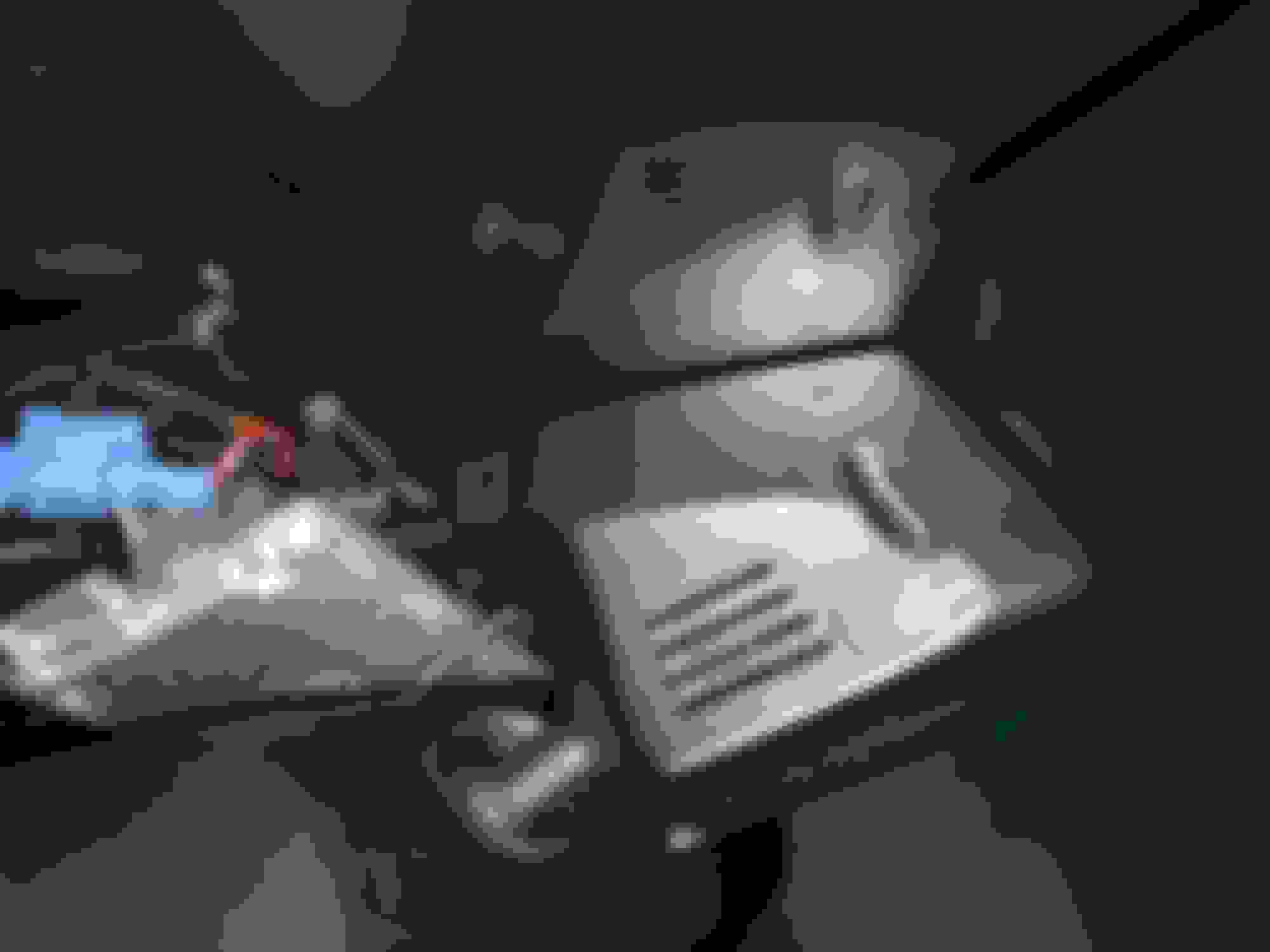
You're looking for open slots where you can see a silver contact in one of the openings. That's where you look for switched or unswitched power. A 12V test light is easier to use for this test than a voltmeter - and about $2 at Harbor Freight. Put the ground lead of the test light to some bare body metal (there is some right in the fusebox area) and probe with the needle end - gently. There is a light in the test probe that lights up when it sees 12V.
The other caution - when installing the fuse adaptor that comes with the kit -- put the end without the wire attached into the silver side of the fuse opening.
DO NOT PUT the wire side of the fuse adaptor there! You would end up with an unfused circuit by doing that. That is a bad thing.
The final caution - the hybrid has a high-voltage/high-current circuit for the electric motor/battery drive. As far as I know - none of that goes to the dash-end fuseboxes, but if you're uncertain - taking it to a dealer after putting the camera in place and running the wire down to the fusebox might not be a bad idea. I believe all the high-voltage/current circuits are clearly marked with DANGER symbols - since the voltage and current they carry is lethal.
Originally Posted by atwong1
They should really pay me for giving all these instructions. Their documentation is junk.
Well - maybe..
Last edited by deilenberger; Apr 8, 2017 at 02:05 PM.



 Dashcam options, opinions?